The Website-as-a-Front-Door Framework
Your website is your front door. That's the operating principle behind how I judge a local-business website. I don't mean it as a tagline. I mean it as a working test: the framework I use to decide whether a local-business site is doing its job, and what to fix when it isn't.
The premise is simple. For most local home-services businesses, the website is the first physical interaction a prospect has with the company. They've heard your name from a neighbor, seen your van on the freeway, or hit your Google Business Profile after typing "plumber near me" on their phone. Whatever the path, they end up at your URL before they end up on your call. Whether that visit turns into a phone ringing on your dispatch line is decided in the first ten seconds on your home page.
If your front door is locked, dirty, or confusing, the prospect turns around. They don't email you to complain. They don't fill out a "we couldn't find what we were looking for" form. They tap back and try the next result. Your competitor with the cleaner front door wins by default.
The three jobs of a front door
A real front door has a few seconds to make the right impression. So does a website. Both have to do the same three things in that window.
- It opens. The visitor doesn't have to fight to get inside. The page loads in under two seconds on a phone, the buttons respond when tapped, nothing jumps around while they're trying to read.
- It's clean. The visitor sees a real business behind it. Real photos of real work. A real owner. License numbers. Reviews from people who look like them. No stock images of generic suburban houses. No "Lorem ipsum" demo text. No broken layout on mobile.
- It's welcoming. The visitor knows immediately what to do next. Tap the phone number. Fill out the form. Click "free estimate." There's a single, obvious path forward, and the door isn't blocking them with pop-ups, cookie banners, or three required fields before they can even ask a question.
Most local-business websites I've checked so far fail on at least one of these three, and the weak spots usually repeat. Some fail on all three. The owner usually doesn't know, because they only ever see the site on their office Wi-Fi, on their laptop, after typing the URL directly. That's not how prospects experience it.
What a locked front door looks like
A locked front door is a website that technically loads but doesn't let the visitor in fast enough to keep them. The data on this is stark. According to Google's own research, a page that takes five seconds to load has a 90% higher bounce rate than a page that loads in one second. On mobile, the gap is wider. The visitor doesn't sit there waiting because they have ten other tabs open and a phone that's already lower-battery than they want it to be.
Locked usually means one of three things:
- The page is too heavy. Once a mobile page gets heavy, the visitor starts paying for it in seconds, cellular data, and patience. The visitor's phone is doing the work the server should have done at build time.
- The host is slow. The Time to First Byte (TTFB, how long the visitor's browser sits there after asking for the page before getting any response) is a real bottleneck on a slow host. On the TruLight rebuild, TTFB moved from 585 ms to 37 ms after moving from the page builder to Next.js on Vercel.
- The mobile rendering is broken. The hero photo loads at desktop size and gets squeezed down on the phone. The form jumps when the visitor taps a field. The tap targets are too small to hit cleanly with a thumb.
The fix isn't usually one big thing. It's the architecture. A locked front door rebuilt on a modern static stack typically opens much faster, with the same content, the same offers, the same domain. We measured this on our own TruLight SLC site: 4,155 ms down to 745 ms on total load time.
What a dirty front door looks like
A dirty front door is a website that loads, but the prospect immediately suspects the business behind it isn't real, isn't local, or isn't worth giving a phone number to.
The warning signs are usually easy to spot:
- Stock photos. The same Getty image of a smiling family in a kitchen. The same Unsplash hero of an aerial neighborhood shot. The visitor has seen these on three other sites this week, often on businesses that turned out to be lead-gen middlemen rather than the actual local provider.
- AI-written body copy. "Our experienced team is dedicated to providing quality service to our valued customers." Nobody talks like this. The prospect knows it, even if they can't articulate why it feels off.
- Templated reviews. Three reviews, all five stars, all written in identical cadence, all from first-name-last-initial avatars with no last name and no Google source. Same template every other contractor uses.
- No owner. No face. No name. No story. The site reads like a corporation, but the prospect knows local home-services is a relationship business, and the absence of a human is itself a signal.
- No license number, no insurance proof. Both should be visible on the home page or footer. Their absence makes the prospect wonder.
A clean front door isn't fancy. It's specific. It's a real photo of the actual van in front of the actual job site in the actual neighborhood. It's the owner's first name and a sentence about why they started the business. It's a Google review embedded with a real Google logo and a real customer's full name. It's a license number with the issuing state. None of this is hard to assemble. Most owners just haven't been told it matters.
Want to see how your front door is reading to prospects?
Get a free Front Door Score. Real Lighthouse numbers, real audit, no email required to start. Takes about 90 seconds. Run the score on yours.
What a confusing front door looks like
A confusing front door is a site that loads fast and looks credible, but the prospect doesn't know what to do next. They came to the site to get a quote, ask a question, or check if you serve their area. The site doesn't make any of those next steps obvious.
The fixes here are mechanical. I usually start with the same few pieces:
- A sticky phone banner at the top of the page, persists on scroll, tappable on mobile.
- An inline lead form visible above the fold, not hidden behind a "Get a Quote" button.
- A secondary CTA button ("Free estimate" or "See pricing") that gives the prospect a second path forward.
- Repeated CTAs after every major section as the visitor scrolls. Hero, after social proof, after services, after the FAQ, in the footer.
The repetition is there because people drop off as they scroll. Every section the visitor scrolls past, fewer people are still reading. By the time someone reaches the footer, a lot of visitors are already gone. The CTA after section three exists for the visitor who wasn't ready in the hero but is ready now. The CTA in the footer exists for the visitor who wanted to read the whole page first.
The diagnostic: is your front door open, clean, and welcoming?
You don't need an audit to find out. Take your phone, turn off Wi-Fi so you're on cellular, and open your home page like you're a prospect who's never seen it. Walk through these eight questions:
- Within three seconds of the page loading, do I know what this company does and where it does it? The H1 should answer both. "Salt Lake City Plumber" beats "Welcome to ACME."
- Within five seconds, do I know how to get a quote? A form, a button, a phone number. Visible without scrolling.
- Does this look like a real, local company or a templated chain? Real photos? Real owner? Real local references?
- Would I feel safe giving them my phone number? License numbers, insurance proof, BBB or Google badges, real reviews.
- If I scroll past the hero, am I prompted again to take action? Or do I have to scroll all the way back up?
- Are the testimonials from people who look like me or my neighbors? Mix of demographics, mix of avatars, regional names.
- Can I find the answer to "how much will this cost" without leaving the page? A pricing FAQ block, even ranges, beats "contact us for a quote."
- Does the phone number work when I tap it? The link should auto-dial, no formatting glitches.
If the answer to any of those is "no" or "not really," that's a section of your front door that's not doing its job. The good news is most of these are fixable without rebuilding the whole site. The bad news is some of them require leaving your current platform, because the platform itself is the bottleneck.
What a real rebuild looks like (and what it costs)
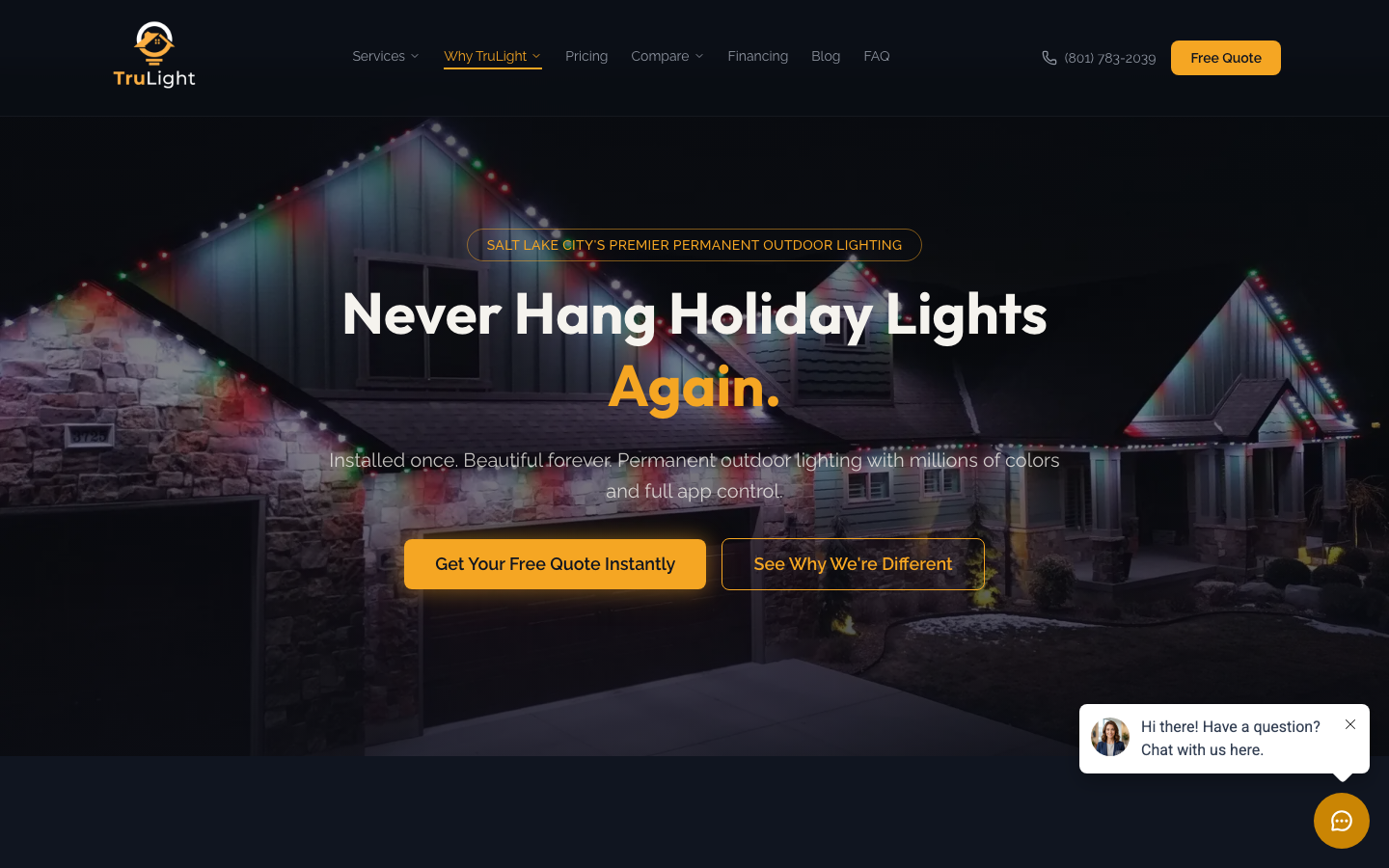
Some context, with my own receipts. I run TruLight SLC, our permanent-lighting business. Our site lived on a hosted AI page builder for the first year of the company. It looked fine. It loaded fine on my MacBook in the office. It was failing in the field, and I didn't know until I started measuring properly.
Here's what changed when we rebuilt the same content, same offers, same domain on Next.js running on Vercel's edge network:
| Metric | Old (page builder) | New (Next.js + Vercel) | Change |
|---|---|---|---|
| Total load time | 4,155 ms | 745 ms | 5.6x faster |
| Time to first byte | 585 ms | 37 ms | 15.8x faster |
| Largest contentful paint | 1,920 ms | 391 ms | 4.9x faster |
| Page weight | 35.3 MB | 10.0 MB | 3.5x lighter |
The site went from sitting in Google's "needs improvement" Core Web Vitals band to sitting in the "good" band on every page. The full breakdown lives at our TruLight SLC case study.
The TruLight site is now genuinely open, clean, and welcoming. The reason I started Front Door Digital is that the same problems I found on old TruLight sites show up on a lot of local-business sites: slow pages, thin proof, and unclear next steps. The fix is reproducible. The pattern is the same every time.
Frequently asked questions
Does my site really need to be rebuilt, or can I just tweak it?
Depends on the platform and the gap. If you're on Wix, Squarespace, GoDaddy, or stock WordPress and your mobile load time is over three seconds, the platform is the ceiling. Tweaks may help at the margins. A rebuild can make a much bigger difference when the platform is the bottleneck, like the TruLight rebuild did. If you're already on a modern stack and the issue is content or layout, tweaks are the right move.
How much does a real rebuild cost?
For a 5 to 12-page local-services site on the Front Door Digital stack, the typical range is $3,000 to $8,000 depending on page count, custom features, and assets you bring versus assets we shoot. The hosting after launch runs $0 to $20 a month at the traffic levels small businesses see. There's no monthly maintenance plan attached, because a static Next.js site doesn't need one.
Why does the front-door framework matter for SEO?
Because Google's ranking signals reward exactly the same things prospects reward. Fast pages rank higher. Pages that match search intent (the H1 and content say what the prospect typed) rank higher. Pages with real, indexable content rank higher than pages where the content lives behind JavaScript hydration. The diagnostic above is a conversion checklist. It also helps with SEO because speed, clear content, and crawlable pages all matter.
Can I run this diagnostic on a competitor?
Yes, and it's instructive. Pick the competitor in your market who you suspect is winning the local pack. Walk through the eight questions on their site. Note where they're scoring better than you. Those are usually the fixes most worth copying on your own site, because they're already proven to work in your specific market.
What happens after my front door does its job and the prospect actually calls?
The website's job is to get the prospect to the call. After that, you need a way to actually answer it. For most owner-operators that's still the hardest part: you're up a ladder, on a roof, under a sink, and the phone is ringing while you're working. That's where an answering system can help. We ship Front Door Digital's AI Receptionist ($999 setup, $199/mo) for owners who don't want to staff a 24/7 dispatch desk. Same principle as the front-door framework: don't let a prospect who decided to engage you bounce away because the next step was harder than it needed to be. The full call-handling stack is in our missed-call playbook.
Your website is your front door. If you've read this far, you're probably already thinking about which of the three jobs your own front door is failing on. Start with the diagnostic. The rest follows from what you find.
Want to know how your site stacks up?
Get a free, no-pitch score on speed, SEO, and AI search. Takes about 90 seconds.