
What Is Next.js, and Why Does Front Door Digital Use It for Every Site?
When I rebuilt my own TruLight Salt Lake City site on Next.js, total mobile load time dropped from 4,155 ms to 745 ms. Time to first byte fell from 585 ms to 37 ms. Page weight shrank from 35.3 MB to 10.0 MB. Those numbers, from the TruLight SLC case study, are the reason every site I build at Front Door Digital ships on the same platform. Not because Next.js is trendy. Because the math on lead volume gets too obvious to ignore once you see the receipts.
Owners ask me what Next.js actually is almost every week. Their designer or developer mentioned it, they Googled it, and the first ten results were written for engineers. So this post is the answer I wish someone had handed me before my own rebuild. Plain English. Real numbers. An honest take on where Next.js is the right call and where it isn't. If you're sitting on a WordPress or Wix site and trying to decide whether the rebuild is worth it, this should give you a straight read.
What is Next.js, in plain English?
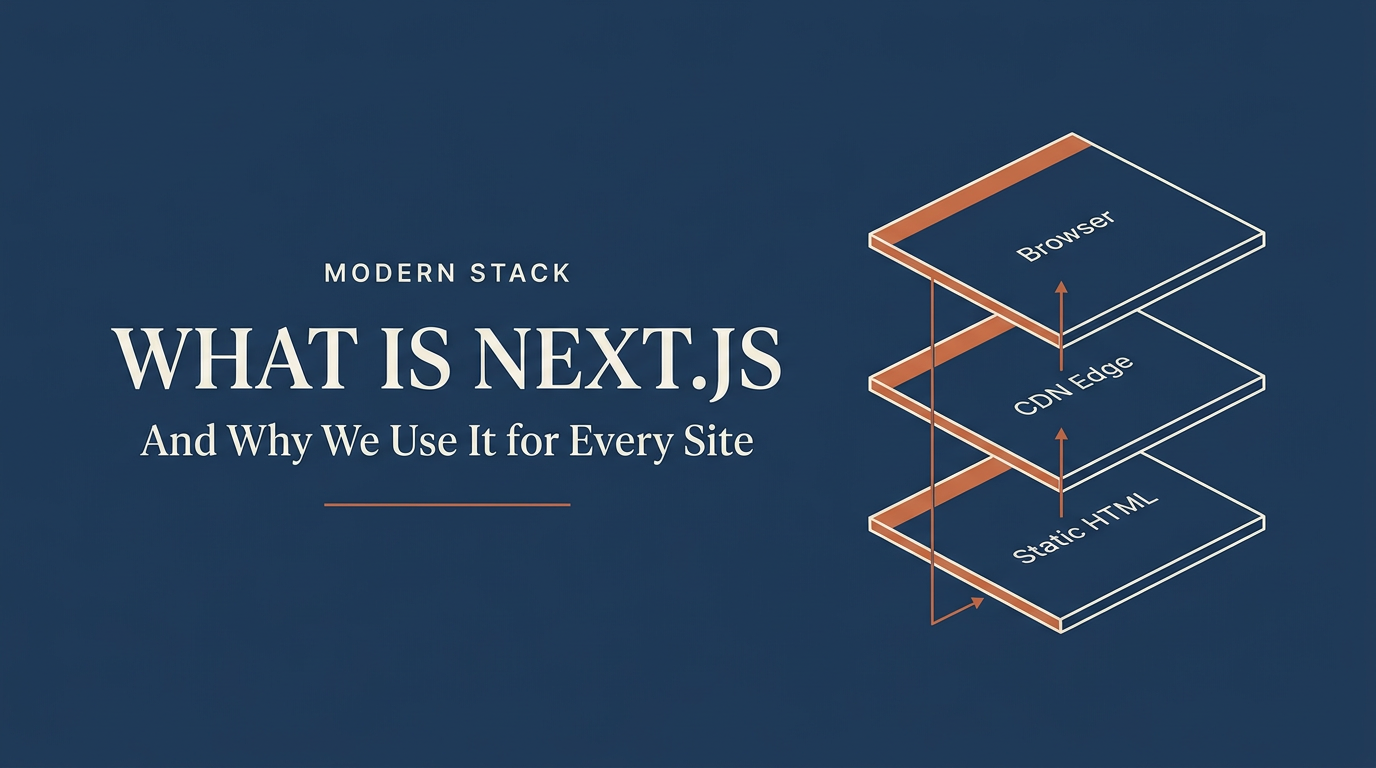
Next.js is a web framework, which is just a set of pre-built tools that lets developers ship a fast, reliable website with less custom code. It was built by a company called Vercel, runs on top of React (the same code library that powers the front end of Facebook and Instagram), and its job is to take your site's content, pre-build the pages, and serve them from a global delivery network so visitors get a finished page in the first response from the server.
Most websites live or die on what happens in the first second after a click. A traditional WordPress site has to wake up a database, run PHP code, assemble the page, and then send it. A Next.js site, set up the way Front Door Digital configures it, already has the page built. The server's only job is to hand it to the visitor. Same content, completely different delivery model.
Think of a sandwich shop. The old way: the customer orders, the shop slices the bread, pulls ingredients, assembles, wraps, hands it over. The Next.js way: the sandwich is already made, wrapped, labeled, sitting near the door. Same sandwich. Different wait.
Why does Front Door Digital use Next.js on every site?
Because the speed gap, the AI-search readiness, the security profile, and the absence of plugin sprawl all line up in the same direction, and every one of them maps to outcomes a home-services owner cares about. Phone calls, ad efficiency, getting cited by ChatGPT, no surprise hacks, no monthly maintenance fire drills. That's not a stack preference. That's the math.
The TruLight SLC rebuild is the clearest single demonstration I have. Before the rebuild, the site lived on Lovable.app, a hosted page builder. After the rebuild, it lives on Next.js 15 running on Vercel's edge network (Vercel is the hosting company behind Next.js; an edge network is just a global mesh of servers that cache your pages close to the visitor so the wait is shorter). Same business. Same content, expanded. The substrate changed underneath.
Total mobile load time: 4,155 ms before, 745 ms after. That's 5.6x faster. Time to first byte (TTFB, the gap between a visitor's phone asking for the page and getting the first byte back) dropped from 585 ms to 37 ms. The page weight, which is the total amount of data shipped to a phone on every visit, dropped from 35.3 MB to 10.0 MB. Indexed pages grew from 8 to 67. Same domain, same business, more SEO surface area, dramatically lighter payload. None of those numbers required a new sales channel or a new marketing budget. They came from changing what runs underneath the site.
Texas Wildlife Specialists, another rebuild I shipped, tells the same story from a WordPress starting point. The TWS case study shows a Largest Contentful Paint (LCP, Google's name for the time it takes the biggest visible thing on your page to finish loading) drop from 3,355 ms to 413 ms. The roughly 1,700 city-by-service pages the WordPress site already had were preserved and consolidated from two disconnected sitemaps into one. Florida Wildlife Specialists showed the most dramatic mobile improvement of the three: LCP fell from 13,854 ms to 1,712 ms on a Moto G Power emulation, with the total payload dropping from 2.79 MB to 827 KB. Three different starting platforms. Same destination. Same shape of result.
What does an owner actually get from Next.js that WordPress doesn't deliver?
Sub-second mobile load times on cellular, a site that AI search engines can actually read, security that doesn't depend on a monthly plugin-patching ritual, integrations with home-services tools that don't need duct tape, and a page-weight floor that's typically 3 to 10 times lighter. WordPress can be tuned to compete on some of these. The structural ceiling sits lower on every one.
Let me unpack each of those, because they're the things that actually change whether a site pays for itself.
Speed. WordPress assembles every page on every visit by waking up a PHP runtime and a MySQL database. Even with caching plugins like WP Rocket or hosting like WP Engine, the floor for a typical WordPress home-services site sits at a 1.5 to 3 second mobile load, and the median page weight runs around 2.4 MB per HTTP Archive's published data. A statically pre-rendered Next.js site on Vercel typically lands under 1 second on mobile with a page weight around 500 KB to 1 MB. Google's data on bounce rate is consistent: every additional second of load time compounds drop-off. The owners who notice it first are the ones spending money on Google Ads, where a faster landing page means a lower cost per call.
AI search readiness. When ChatGPT, Google AI Overviews, Perplexity, or Claude crawl a site to decide what to cite, they read the HTML the server returns. A Next.js site returns a fully written page on the first request, with the headline, the body copy, the FAQ, and the schema markup (the structured data that tells Google what your site is about) already filled in. A WordPress site usually does the same, but WordPress sites with heavy page builders like Elementor or Divi often ship HTML that's bloated and harder for crawlers to parse cleanly. A Wix or Squarespace site frequently ships an empty shell that gets filled in by JavaScript after the page loads, which AI crawlers often can't see. Next.js's static-first rendering makes the content immediately visible to every crawler.
Security. Patchstack's 2024 State of WordPress Security report found that 96.8% of WordPress vulnerabilities come from plugins, not from the WordPress core itself. The average WordPress home-services site runs 20 to 40 plugins to get the contact form, the SEO meta, the gallery, the analytics, the security firewall, the backup tool, and so on. Each plugin is a separate codebase with separate update cadence and separate security history. A Next.js site has none of that surface area. The contact form, the schema, the SEO meta, the image optimization, and the analytics are all part of the same codebase the developer ships and tests together. No background plugin auto-updates breaking the site in the middle of the night.
Integration depth. Most home-services owners want the form on the site to push leads into GoHighLevel, ServiceTitan, Jobber, or HubSpot, fire an SMS auto-reply, write the lead to a database for retargeting, and trigger a thank-you email. On WordPress, that usually means a Gravity Forms plugin plus a Zapier or Make automation chain. Each step is a separate paid service with its own per-task billing and its own brittle failure mode. On Next.js, that whole chain is a single Server Action (a Next.js feature that runs custom code on form submit). One file, one deploy, no per-task fees, no third-party middleware.
No plugin sprawl. Owners feel this one last, usually after 18 months. The site gets slower as plugins accumulate. A plugin auto-updates and breaks the homepage on a Saturday. The developer leaves and the new one charges a setup fee to figure out what 30 plugins do. Next.js sites have one codebase in a Git repository (a versioned record of every change), so a new developer can read it like a book.
What's the difference between static site generation, server-side rendering, and ISR?
Static site generation (SSG) means the pages are pre-built once and served as plain HTML files; this is the fastest but only works for content that doesn't change per visitor. Server-side rendering (SSR) means the server builds the page on every request, which is slower than SSG but works for content that depends on who's visiting. Incremental Static Regeneration (ISR) is Next.js's hybrid: pages are pre-built like SSG but can quietly refresh in the background when content changes.
This is the part of the conversation where the developer's eyes light up and the owner's eyes glaze over. So here's how it actually plays out for a home-services site.
Your homepage doesn't change for every visitor. The same headline, the same services, the same Google reviews show up whether the visitor lives in Sandy or in Draper. That's a perfect SSG (Static Site Generation) candidate. Next.js builds that page once during deployment, saves it as a finished HTML file, and Vercel's edge network caches it on servers around the world. When a visitor on cellular in Cottonwood Heights asks for the page, the closest edge server hands them the finished file in about 30 to 50 ms. That's the speed gap that drives the case-study numbers.
Your customer dashboard, if you have one, does change per visitor. A logged-in customer sees their job history, their next service date, their saved card on file. That page can't be pre-built, because every customer sees something different. That's an SSR (Server-Side Rendering) candidate. Next.js renders that page on demand, but it still runs on Vercel's edge, which means the render is closer to the visitor than a traditional WordPress server in a single data center.
ISR (Incremental Static Regeneration) is the middle ground. Your blog index page is mostly static, but every time you publish a new post it needs to update. Without ISR, you'd have to rebuild and redeploy the entire site every time you wrote a blog post. With ISR, Next.js serves the cached static page instantly, and quietly regenerates a fresh version in the background after a set interval, swapping it in for the next visitor. Owners get the speed of SSG with the freshness of SSR.
You don't have to remember the acronyms. You just have to know that Next.js gives a developer three modes to pick from per page, and a competent build uses SSG for the marketing pages, ISR for the blog and case-study index, and SSR for the rare authenticated dashboard. The pattern is what produces the speed numbers in the case studies.
How does Next.js change a site's AI search visibility?
Two ways. First, Next.js returns finished, statically pre-rendered HTML that AI crawlers like ChatGPT, Perplexity, and Google AI Overviews can read on the first request. Second, the same Next.js page can ship clean structured data (schema markup), an llms.txt file telling AI crawlers what to read, and a content pattern engineered to get cited. Most WordPress and Wix sites ship HTML that's either bloated or empty on first paint, which limits what AI systems can see.
The shift to AI search is the biggest change to how customers find a local business since Google's map pack rolled out. Search Engine Land's coverage of Google's AI Overviews rollout puts the share of queries that now show an AI-generated answer above 50% on some categories. ChatGPT Search and Perplexity are pulling tens of millions of queries monthly. When a homeowner types "best permanent lighting installer in Salt Lake City" into ChatGPT, the answer comes from whatever pages ChatGPT's crawler indexed. If your page renders content client-side after JavaScript runs, the crawler often can't see it.
Next.js sites ship the visible page content in the first HTML response, before any JavaScript runs. That's the difference between being citable and being invisible. Front Door Digital builds also ship llms.txt (a plain-text manifest that tells AI crawlers which pages matter), BlogPosting and LocalBusiness schema on every relevant page, and a four-block content pattern designed to match how AI systems extract answers: a direct answer paragraph, supporting detail, structured data, and a citation-friendly summary.
You can see the pattern at work on this very post. Every H2 heading is phrased as a question. Each one is followed by a 40 to 60 word direct answer paragraph that works as a standalone quote. ChatGPT and Google AI Overviews extract those paragraphs and cite the page. The architecture under the post (Next.js + Vercel + schema) is what makes that extraction reliable.
Curious where your current site sits on speed, schema, and AI crawler readiness?
Run a free Front Door Score. Real Lighthouse numbers, real schema audit, no email required to start. 90 seconds. Run the score on yours.
When would Next.js be the WRONG choice for a small business?
Three situations where I'd genuinely recommend against Next.js: a true one-page brochure site for a single-truck contractor who needs almost no marketing surface, a personal or hobby page with very low traffic where setup cost outweighs any speed gain, and a real product-driven e-commerce business where Shopify's purpose-built tooling for inventory, checkout, and payments is a faster path than custom-building it on Next.js.
I want to be straight about this because the rest of the post sounds like a pitch. It isn't always the right call. Here's where I'd send you somewhere else.
A true one-page brochure site. If you're a solo contractor who needs a single page with your phone number, your service area, three photos, and a contact form, and you don't plan to add content, run paid ads, or compete in local search, a $15 a month Squarespace site is a fine answer. The Next.js advantage compounds with site size. At 1 page, the gap to a hosted builder is small. At 50 pages and growing, the gap is enormous. If you're staying small, stay simple.
A very low-traffic personal page or side project. If your site gets 20 visits a month and the audience is friends and family, the engineering tax on a Next.js build isn't paying for itself. Wix Free or a static HTML page on Cloudflare Pages is the right tool. The case for Next.js is built on the business value of speed and AI visibility, neither of which matters if nobody's looking.
True e-commerce with inventory, checkout, and payments. Shopify exists because it solves a specific, narrow, very hard problem well: a hosted commerce platform with inventory tracking, checkout, tax calculation, fraud screening, and shipping integration baked in. You can build all of that on Next.js, and some large brands do. For a home-services business selling 50 SKUs of replacement parts, the cost of building and maintaining that on Next.js is higher than just running a Shopify storefront. Front Door Digital does build hybrid sites where Next.js handles the marketing surface and Shopify handles the cart, but if your business is primarily selling product, lead with Shopify.
One more thing to flag. Next.js requires a real developer to build and maintain. Wix is drag-and-drop. Squarespace is template-and-go. Next.js gets edited by changing code in a repository. Front Door Digital pairs Next.js with a Supabase content layer so the owner can edit blog posts and case studies without touching code, but the homepage and design system are developer-edited. If you want to drag and drop a new section onto your homepage at midnight, Next.js isn't the right shape for you.
How does the cost compare to a WordPress + plugins + managed-hosting stack?
The Next.js stack typically costs less per year than the WordPress equivalent once you count plugins, managed hosting, security tools, and the maintenance retainer. A realistic Next.js + Vercel + Supabase setup runs $0 to $540 a year. A realistic WordPress home-services site on WP Engine with the usual plugin pile and a small maintenance retainer runs $1,200 to $3,600 a year, before any rebuilds or incident recovery.
The number that gets quoted in head-to-head comparisons is just hosting. Vercel Pro is $20 a month. WP Engine Startup is $30 a month. Looks close. That comparison misses 80% of the real cost.
The real WordPress total: managed hosting at $30 to $80 a month, premium plugin licenses (Gravity Forms, Yoast Premium, WP Rocket, a backup tool, a security firewall) running $20 to $50 a month combined, and a maintenance retainer that handles plugin updates and broken-site recovery, typically $100 to $250 a month at this size. Plus an inevitable rebuild every 3 to 4 years when the theme stops being supported. The full WordPress hidden-costs breakdown covers this in detail.
The real Next.js total: Vercel Hobby tier (free) covers most home-services traffic indefinitely. If you outgrow it, Vercel Pro at $20 a month plus Supabase Pro at $25 a month totals $540 a year. No plugin licenses, no maintenance retainer for patching, because there are no plugins. Pricing detail at Front Door Digital pricing.
The cost gap alone isn't the case for rebuilding. The cost gap plus the speed gap plus the AI search gap plus the security profile plus the integration depth is the case.
Frequently asked questions
Is Next.js free?
Yes. Next.js is free, open-source software released under the MIT license. The hosting that runs it isn't always free, but Vercel (the company that maintains Next.js) offers a generous free Hobby tier that covers most local home-services traffic indefinitely. The framework itself has no licensing cost, no per-site fee, and no vendor lock-in. The code that runs your site lives in a Git repository the owner controls, which means you can move hosts at any time without losing the site.
Do I need to know how to code to have a Next.js site?
No, but you do need a developer to build and maintain it. The owner doesn't touch code in the day-to-day. Front Door Digital pairs Next.js with a Supabase content layer that lets the owner edit blog posts, case studies, FAQs, and team bios through a simple form interface, without opening any code. The homepage layout and the design system are developer-edited, the same way they would be on a custom WordPress theme. If you want to drag-and-drop your entire site, Next.js isn't the right tool. If you want clean separation between marketing copy you can update yourself and the engineering underneath, the pairing works.
Will my SEO survive a rebuild from WordPress to Next.js?
Yes, if the rebuild is done with SEO preservation as a first-class concern. The Front Door Digital rebuild process maps every URL on the old WordPress site to a corresponding URL on the new Next.js site, sets up 301 redirects (the type of redirect that tells Google "this content moved permanently here") for any URLs that change, ports over all schema markup, and preserves the existing meta titles and descriptions. The Texas Wildlife Specialists rebuild kept every one of the roughly 1,700 legacy city-by-service URLs from the old WordPress site and added structured data Google could read for the first time. The two disconnected sitemaps the WordPress site had been splitting indexation across were consolidated into a single canonical sitemap, with no indexed equity lost at cutover.
How long does a Next.js rebuild take?
A typical home-services site rebuild from WordPress, Wix, or Squarespace to Next.js takes 4 to 8 weeks at Front Door Digital, depending on the size of the existing site and how much new content needs to be written. The TruLight SLC rebuild took 6 weeks. The Texas Wildlife Specialists rebuild was longer because the existing site already had roughly 1,700 city-by-service pages that all needed to be migrated and preserved. Smaller marketing sites (10 to 20 pages) often turn in under 4 weeks. The rebuild runs in parallel with the existing site, then cuts over with DNS changes when the new build is ready, so there's no downtime.
Can I move away from Next.js later if I want?
Yes. Unlike Wix, Squarespace, or Webflow, where the site content lives inside the platform's hosted system and can't be cleanly exported, a Next.js site is just code in a Git repository plus content in a database. You can move the repository to any developer or any host. You can keep using the codebase on Vercel, AWS, Cloudflare, or any other modern host. You own the code. You own the content. Vendor lock-in is structurally absent in a way that the hosted builders structurally can't match.
If you've made it this far, you already know whether your current site is the problem or not. The actual test is to run the numbers on yours. Open your homepage on your phone, watch how long it takes to settle, and compare that to the 745 ms TruLight figure. If your site is north of 2 seconds, the rebuild math is probably already in your favor. If it's under a second, you're doing something right and a rebuild is a different conversation.
Either way, the free Front Door Score is the fastest way to find out where you stand. Run it on your own site, share the result with your team, and decide from there.
Want to know how your site stacks up?
Get a free, no-pitch score on speed, SEO, and AI search. Takes about 90 seconds.